WebCenter MCP Connector at Scale — What Production Traffic Broke and What 2.0 Fixes

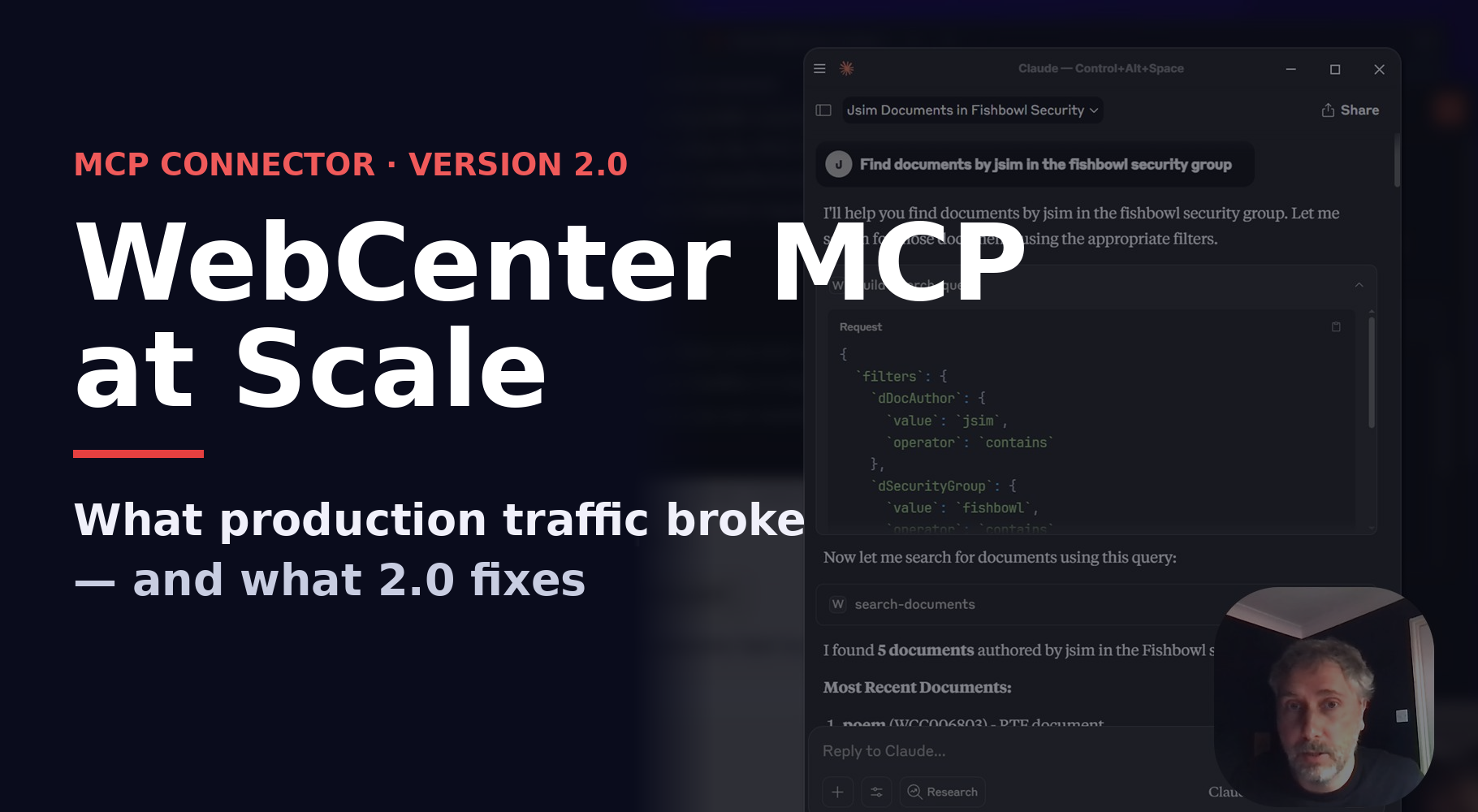
Ten months on from launching the WebCenter Content MCP Connector and Server, and I've had time to watch it run against real customer traffic — and learn more on MCPs, investigate the parts that didn't survive in production and work on hardening and improving v2.0.
(Release coming soon.. with detailed post on whats changed!)
This post is the honest debrief: what broke, what I patched, and what 2.0 is rolling in to fix..
The Ultimate MCP Oracle WebCenter Content Connector
A Quick Recap..
The WebCenter Content MCP Connector I wrote last year exposed 50+ documented WCC endpoints across nine functional areas as MCP tools.
The idea was simple — any modern agent (Claude, GPT-5-Turbo, agent platform) should be able to talk and connect to WCC on behalf of the user.
... That worked beautifully in demos.. Unfortunately... it worked less successful in production and in the hands of users...
What Broke in production...
A number failures showed up with the initial prototype rollout.. None of them were single-bug fixes — each pointed at how devs/users interacted with the MCP and how the LLM interpretted the flow and tool calls of which I hadn't designed or thought in detail...
...keep in mind MCPs were just starting out when I rolled my initial release...
Basic Auth.
With v1 I initially authenticated to WCC with one service account or let the user enter their credentials into mcp JSON for Claude.
The problem is that every agent, would have the same identity — which meant WCC's own security groups and ACLs were effectively bypassed at the connector layer, and the audit trail showed a single user doing everything at the time I hadn't setup oAuth.. and with multiple agents firing concurrent requests through one shared client, any auth failure would go across every active session simultaneously for agents.
There was no token, no refresh, no retry logic — a 401 from WCC went straight back to the agent as a hard tool error, and the LLM hit the retry policy.
Which, as you might guess, is exactly as bad as it sounds.
Large Files
In v1's for it's download tools I used axios's stream response from WCC; each download collected the full data stream into an in-memory buffer, and then wrote it into a local file path the caller specified.. this then returned a status string to the agent. Which all worked fine for small office documents and my initial tests with claude code but it also meant the agent never saw the document bytes — only a filesystem path.
So as soon as it was deployed it would fail.
Agent retry tantrums
Modern agent desktopp clients — Claude Desktop, Cline, the various IDE plugins — retry hard with the tools you give them with MCPs. A common WCC error on a tool call, and the agent would fire the same call again 4–5 times within seconds!! Sometimes without telling the user it's doing it from what I discovered digging into the logs.
For WCC read requests are fine, nobody notices. But when check-ins and metadata updates this was wrong! — v1 had no key on the write paths, so the connector just went ahead and POSTed the same upload to WCC every time.
The user thinks they checked in v2 of a contract; when WCC now has three copies, and the one the user is looking at updating in the agent's response possibly wouldnt be the one their colleague could find tomorrow.
Most agents will retry by default and you'll only catch the duplicates in a downstream audit.
Customer Metadata schema drift
As we know customer are constantly evolving WCC content profiles as they expand the WCC repo... Adding metadata fields and sometimes renaming them. This caused a problem in v1 where I had the metadata field mappings hardcoded into the tool descriptions - if these changed out of the blue it would impact and break the MCP calls.
The connector did expose get-metadata-fields as a tool, but agents had no reason to call it first, because the tool descriptions already had a hard coded mapping. So a customer who renamed xContractType to xAgreementType had agents confidently building queries against a field that no longer existed.. and worse, occasionally pattern-matching to a field that happened to still exist (xContractStatus), returning plausible-looking but wrong results.
Looking back at WCC MCP V1
None of these were really bugs — they were all assumptions I'd baked in when planning and putting together the MCP.. Each one was fine in demos but folded the first time an agent did something that I hadn't predicted.
v2 is mostly the result of taking those my learnings expanding and rebuilding refactoring from what I learnt around what agents actually do and how customers use and expect agents to work with WCC.
The 2.0 Roadmap — What's Next
V2 is a ground-up rewrite, and the one decision everything else hangs off is consolidation.
- There's now one wcc_doc_download that takes either kind of reference. Lifecycle operations, folder views, and system queries foldin behind action/view/query discriminators.
- Zod schemas are the single source of truth — one definition drives
input validation, the JSON Schema the agent sees, the docs, and the test fixtures - Both transports run through a single dispatch path, which removes an entire class of stdio-vs-HTTP inconsistency.
The rest of v2 is the production layer v1 never had room for:
- Inbound and outbound OAuth for IDCS-protected deployments, a path
policy that mediates every filesystem access, SSRF and rate-limit guards, an audit trail, and an architecture test suite that fails the build the moment a banned pattern reappears. - It ships as an npm package, a signed desktop app, and container — the connector stopped being a script and now has a full release process.
Wrap-up
The original connector was a working proof-of-life...
It showed how an agent could drive WebCenter Content end to end, and for a demo that was the whole point and why I created it for Cloud World 2025 and the OIC team.
With that said v2 is now almost Production ready.. - drawing from my experience of MCP servers it had to be re-engineer and refactor — not because the demo was wrong, but because the failure modes I discovered only appeared once the LLM calling your API never gets tired, never reads the docs, and retries on every hiccup.
If you're building and using my open source code - having issues reach out to the Oracle PM Team it may be on Oracle issue or file an issue on github and let me jump in and take a look and see if it hits something I haven't covered - real production failures help me - so please don't keep it secret or refactor just for your use case ping me and let me know.